Log in with QR code
The new way of logging into Internet Banking
The ABN AMRO app
- Log in to Internet Banking without the e.dentifier
- More secure login thanks to double security features
- Fastest way to log in and transfer money
Logging in with the ABN AMRO app
You may need to get used to logging in to Internet Banking with the ABN AMRO app on your telephone. It’s easy and secure. Just open the app and scan the QR code on your PC or laptop. You can carry on using Internet Banking as usual, but the process for logging in and confirming orders will be different. Find out how to log in using the ABN AMRO app.
Log in to Internet Banking in 3 easy steps
Step 1 - Open the ABN AMRO app
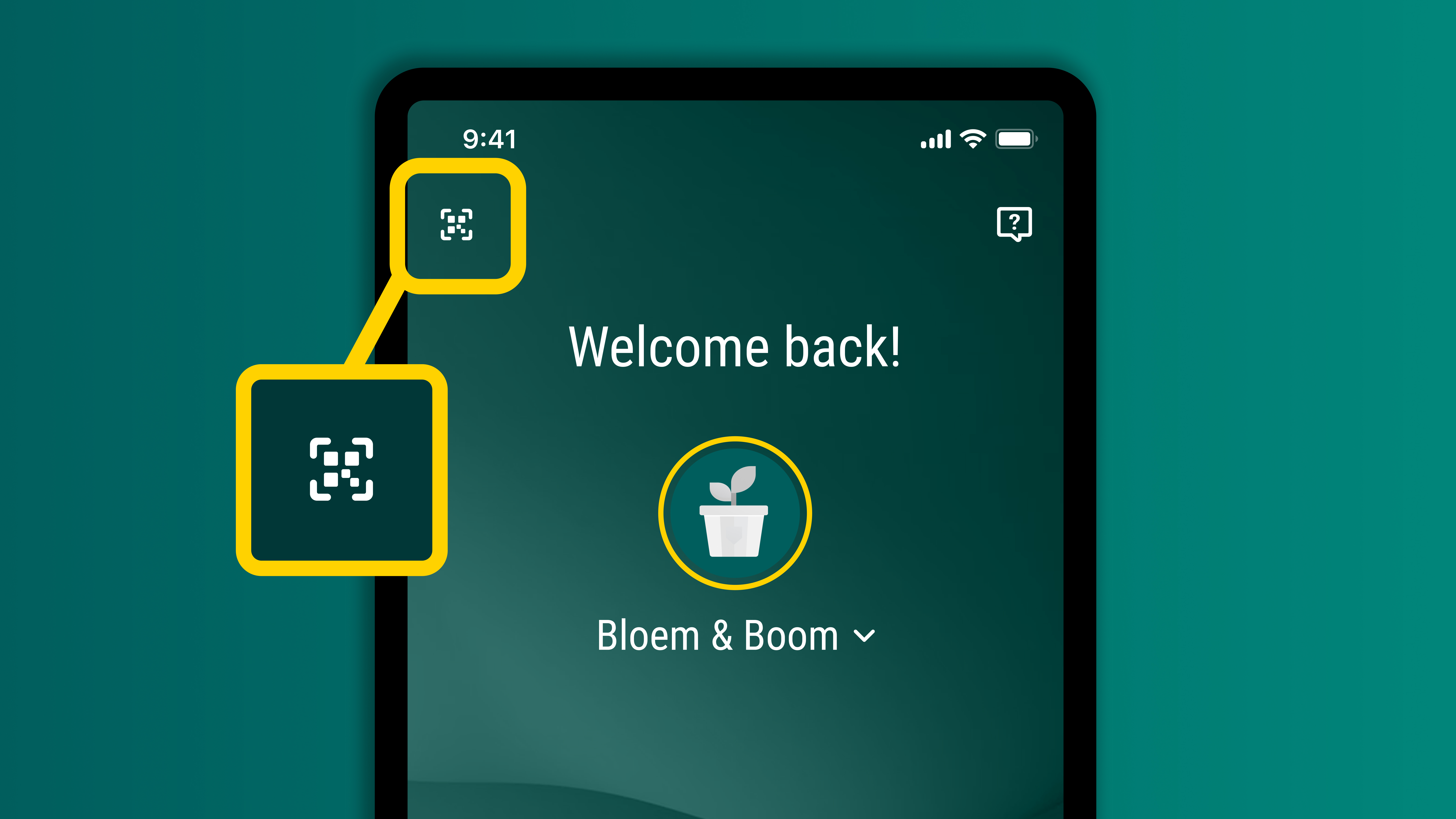
Open the ABN AMRO app on your phone. Then tap the icon in the top-left corner of the login screen.
This opens the QR code scanner.
Step 2 - Scan the QR code

Aim your phone’s camera at the QR code on the Internet Banking login screen.
The code will be scanned and you’ll see a message that you are logging in to Internet Banking. Tap Continue.
Step 3 - Enter your identification code

Enter your 5-digit identification code on your mobile phone.
This will log you in to Internet Banking. You can now do your banking on your pc or laptop.
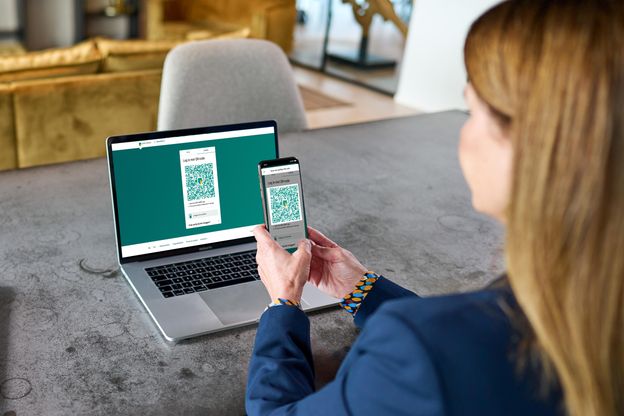
Logging in securely to Internet Banking
The ABN AMRO app uses the latest security features. The software is updated every other week. Every time you log in to Internet Banking, a new QR code is created. This code is unique and specifically secured against fraud and forgery. After you scan the code, the app will ask you to enter your personal identification code, so it’s twice as secure.
Downloading the app on your phone is easy
Have your business debit card ready

You need it to
Register
your device, which you will only have to do once.Download the ABN AMRO app from the store

Go to the Google Play Store for Android or App Store for iOS (Apple)
Open the app and tap ‘Activate the app’

Follow all the steps to activate the app and register your device.

3,7 million clients already use the ABN AMRO app
Do you also want to do your banking securely with the app? Download the ABN AMRO app in the App Store (iOS) or in the Google Play Store (Android).