
Activate the ABN AMRO app
You're good to go in a few simple steps
Getting started with the app
Getting started with the ABN AMRO app only takes a minute. You can download the app to your phone and register your device in just a few steps. We’ll explain how simple this is.
How to activate the ABN AMRO app
Download the ABN AMRO app

On an iOS, iPadOS (Apple) or Android phone or tablet
Have your business debit card and e.dentifier ready

You need it to register your device, which you will only have to do once.
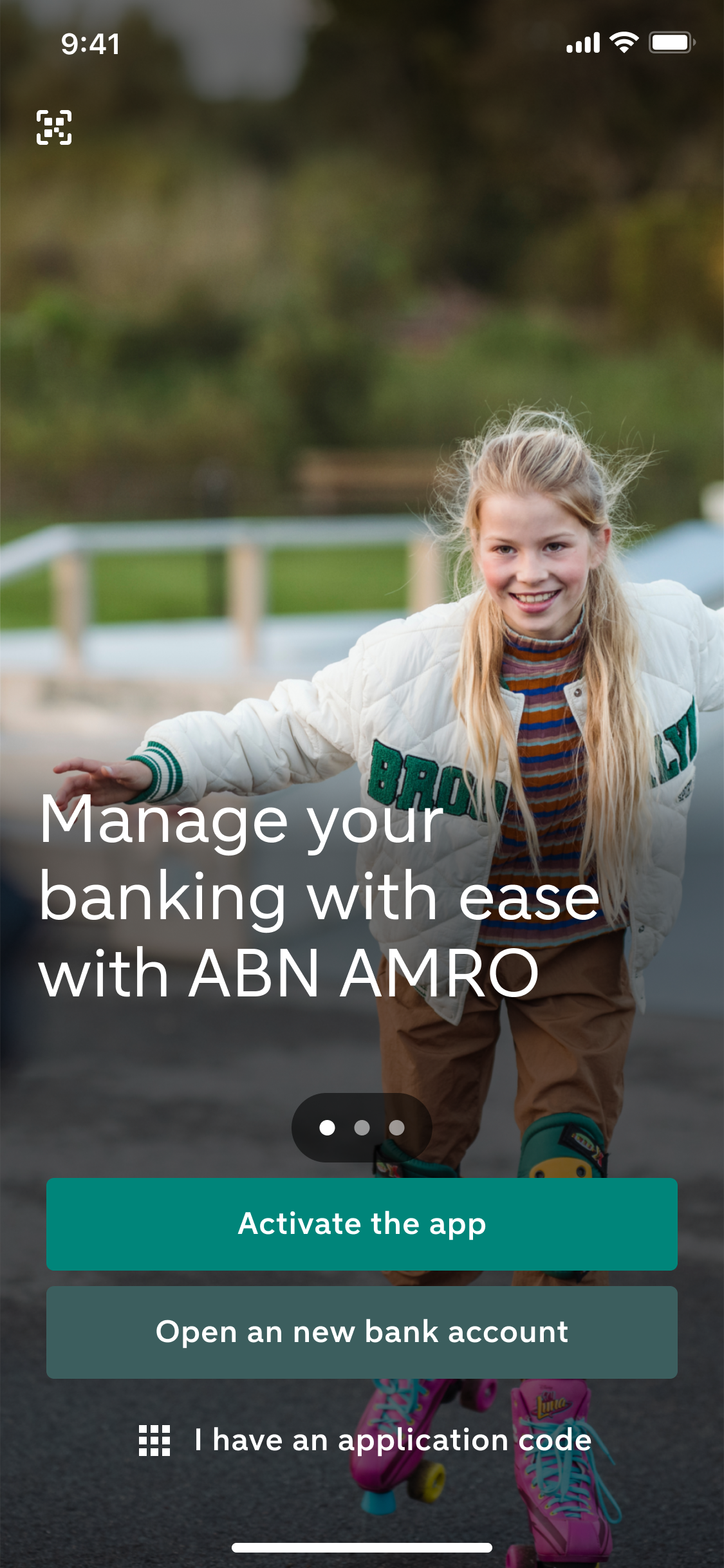
Open the app and tap Activate the app

Follow all the steps to activate the app and register your device
We can help you with this too
Help with activating the app if you’re also a personal client
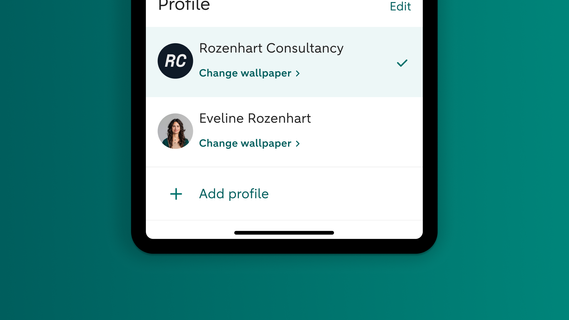
Do you have both a personal and a business current account with us? Then you can add a separate business profile in the ABN AMRO app. Make sure you activate the app for your personal account first. And then add an additional business profile in the app.
Help with activation using your ID

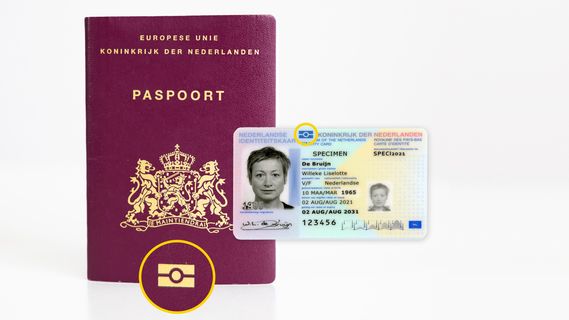
You activate the ABN AMRO app using your ID. All you need is your device, your debit card and account number and your ID. Are you having trouble activating the app? For example because you are unable to scan your ID? Our tips should help you on your way.
Help with activation on a new phone
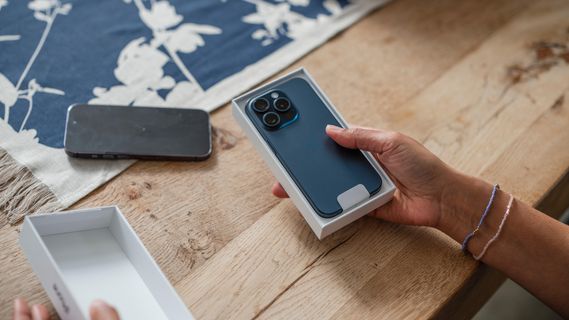
Do you have a new phone? Simply download and activate the ABN AMRO app. Then you’ll be able to do your banking again. We’d be happy to help you further.
Why you can trust the app
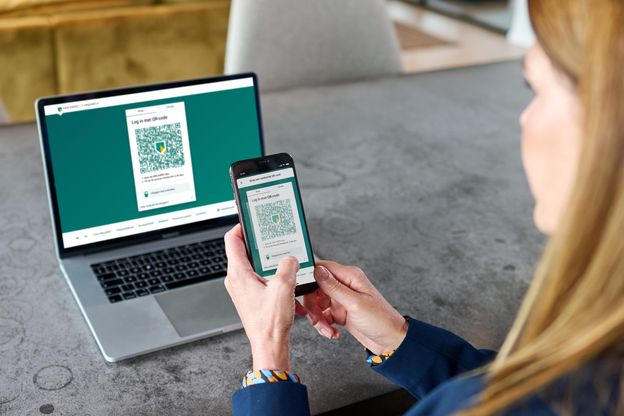
The ABN AMRO app uses the latest security features. The software is updated every other week. Do you use the app to log in to Internet Banking? You can rest assured that our QR codes are unique and particularly secured against fraud and forgeries. After you scan the code, the app will ask you to enter your personal identification code. So it’s twice as secure.

3,7 million clients already use the ABN AMRO app
Do you also want to do your banking securely with the app? Download the ABN AMRO app in the App Store (iOS) or Google Play Store (Android).